Kind, make, model
Pick a model and every file for it is on the right.
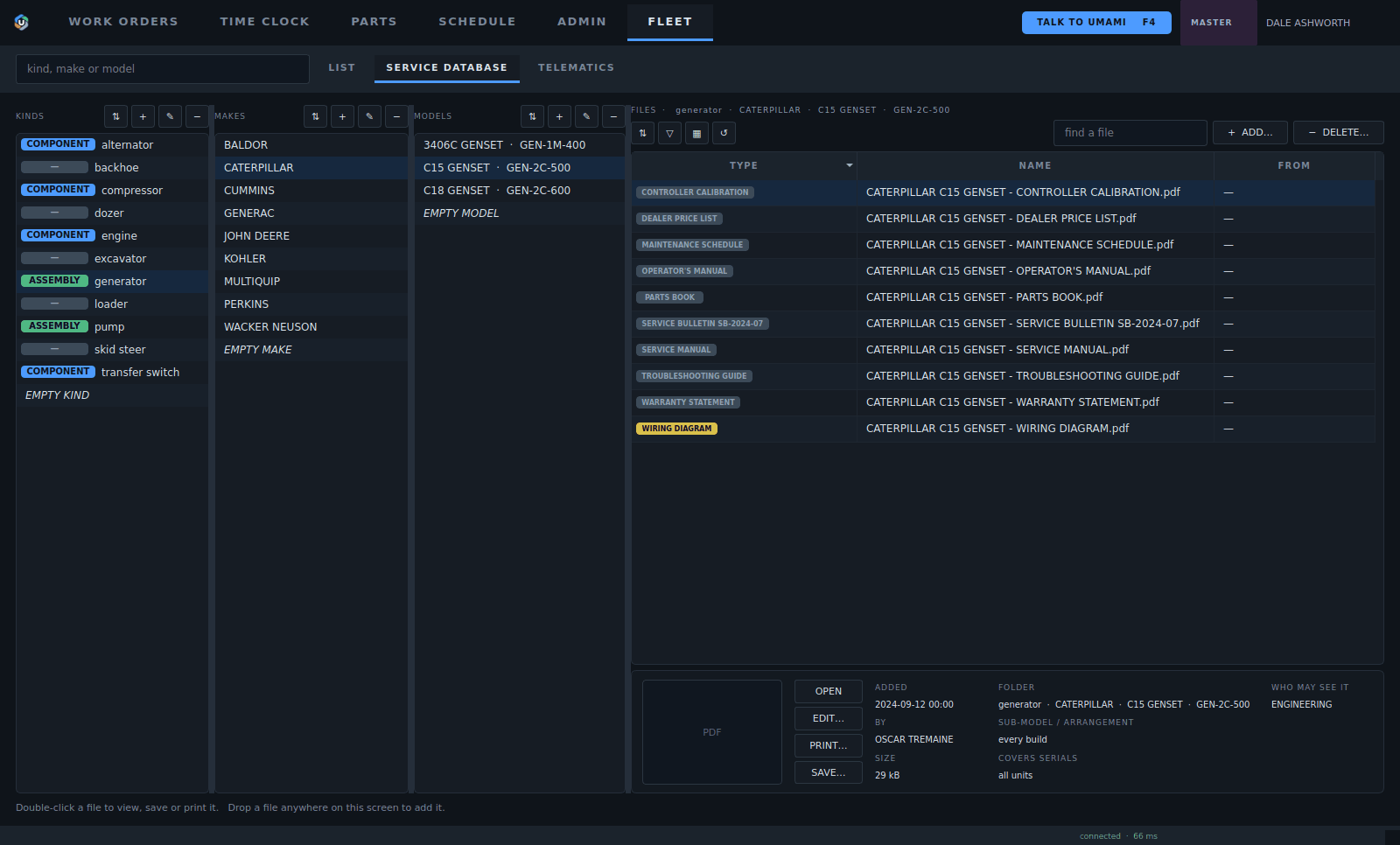
1Then by model and arrangement.
2Then by make.
3Sort the database by the kind of machine.
4Every manual, drawing and bulletin for the model. File it once and every unit of that model has it.
5Four access levels on each file: public, service, engineering and admin.
6Serial ranges, so a revision only covers the units it applies to.
- Then by model and arrangement.
- Then by make.
- Sort the database by the kind of machine.
- Every manual, drawing and bulletin for the model. File it once and every unit of that model has it.
- Four access levels on each file: public, service, engineering and admin.
- Serial ranges, so a revision only covers the units it applies to.
On every job
The same folder shows on every work order for that model.
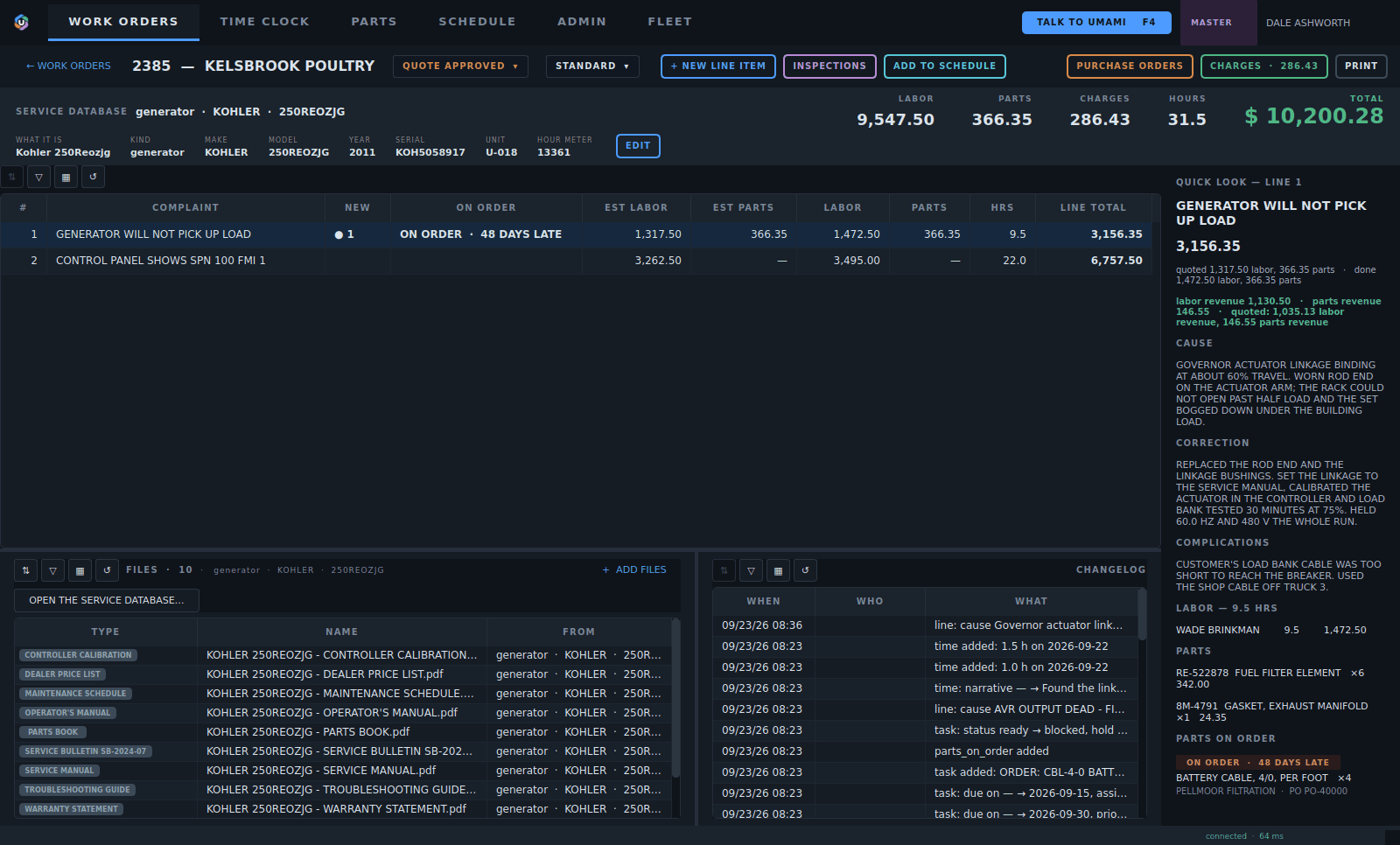
1The job knows the machine and its model.
2So the tech has the manuals and drawings without going to look.
- The job knows the machine and its model.
- So the tech has the manuals and drawings without going to look.